You can generate a working app in ninety seconds. Full stack, styled, deployed -- before your coffee gets cold. Models write production code, pass bar exams, and design interfaces that look like the output of a small agency.
And yet. Ask your AI to handle five emails and it hands you a wall of text. You want to reply to the third one. "Send the third email," you type. It searches. Wrong thread. "The one from Sarah about the quarterly review." Still can't find it -- subject line was slightly different. Three rounds of text ping-pong to do something that should have been a single click.
The models are extraordinary. The interface is a chat box. That's the gap that matters.
Two Compromises
We've been living with two broken interfaces, and most people think one of them is the answer to the other.
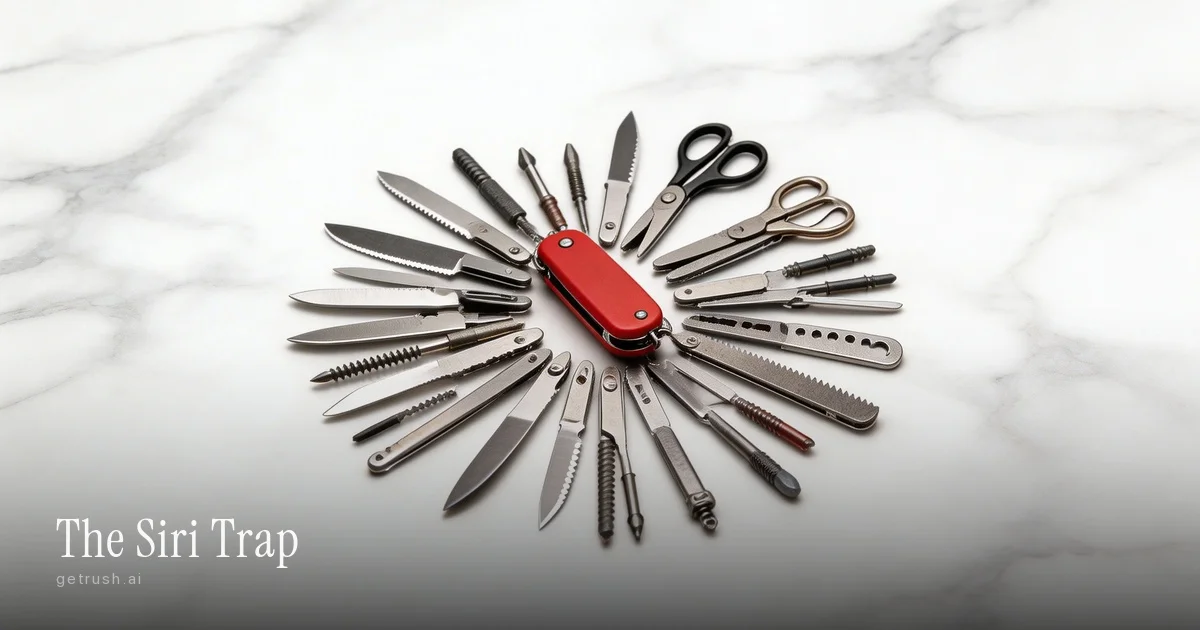
The permanent app was a compromise for scarcity. Software cost money to build. Distribution was hard. So you bundled everything into one package. Photoshop isn't a photo editor -- it's a photo editor, video editor, AI filter engine, web design tool, and 3D renderer fused into a 4GB monolith. You're paying $55 a month for 500 features to use two of them. But the real cost isn't the subscription. It's the cognitive load -- every app is another paradigm, another UI, another set of keyboard shortcuts. Your brain becomes a dispatcher, routing problems to specialized tools you barely remember how to use.
So people looked at this and said: chat is the answer. Talk to AI. Tell it what you want. No menus to learn.
Except chat has the opposite problem. It's brilliant for expressing intent -- "remove the background from this photo" is clear, natural, unambiguous. But it's terrible for doing work, because work requires iteration, and iteration requires interactivity. You can't click on a text summary. You can't drag a slider in a paragraph. When you try to manage email through chat, you get the ping-pong: "reply to the third one" -- which one? -- "the one from Sarah" -- can't find it -- rephrase -- try again. Three exchanges to do what should have been clicking a button next to Sarah's name.
The permanent app gave you interactivity without understanding. Chat gave you understanding without interactivity. Both got half the problem right.
The Synthesis
What if you combined them?
Generative UI is the answer nobody expected. Express intent in natural language. The system generates a custom interface for that specific task -- not a generic screen with 500 options, but a tailored set of controls for this exact problem, in this exact context, assembled by whichever agent you launch from the catalog. Then interact with it like traditional software: sliders, previews, buttons, immediate feedback.
This is already happening. Anthropic and OpenAI jointly released a protocol for rendering interactive components -- forms, charts, sliders -- directly inside AI conversations. Shopify built commerce experiences on it: product cards with clickable images, color swatches that update availability, size selectors with real-time stock. Vercel shipped a framework for agents to generate constrained UI from schemas, with thousands of developers building on it within weeks. It's the same pattern behind task-specific helpers like Form Filler, where an interface pops up just long enough to collect what the agent needs and then disappears.
These are important steps. But they solve the first problem -- interactive widgets inside a chat window -- not the deeper one.
The Real Leap: Composition
A widget in a chat window is nice. A form here, a chart there. But work doesn't happen in widgets.
Real tasks are sequences. Check email, triage the urgent ones, draft replies, review, send, move on. Each step wants a different interface: a list view for triage, a draft editor for writing, a confirmation dialog before sending. And the sequence isn't predetermined -- it depends on what you find, what you decide, what the agent discovers along the way.
In a permanent app, this sequence is hardcoded. Gmail decided years ago what email looks like. Inbox, click, reply, type, send. Same flow, every time, whether you're triaging five hundred emails after vacation or answering one.
In a chat interface, there is no sequence at all. Just text. Describe what you want. Get text back. Describe the next step. More text.
The interesting space is between these two. What if the sequence of interfaces was composed on the fly -- familiar components assembled into a workflow that matches this specific task, this specific moment? The individual pieces are recognizable. You've used lists and buttons your whole life. But the composition is generated, adapted to what you need right now.
This is what an ephemeral app is. Not a permanent application with every conceivable feature. Not a chat transcript. An interface that assembles itself for a task and dissolves when the task is done.
The pattern already exists in miniature. Spotlight appears when you press Cmd+Space and vanishes the moment you stop typing. A command palette opens with Cmd+K and disappears in seconds. These are ephemeral interfaces -- purpose-built, task-specific, impermanent. The difference is scope: what happens when that pattern extends from a search bar to an entire workflow?
The Art of the Boundary
Here's what makes this genuinely hard, and why building these applications is closer to composition than construction.
Not every moment in a workflow needs intelligence. When you're looking at five emails and you want to reply to one, that's a click. No reasoning required. The agent doesn't need to interpret anything -- you've expressed your intent by pressing a button. The system should execute immediately, without routing through the model.
But some moments do need intelligence. "Draft a reply that addresses their concerns but pushes back on the timeline" -- that's creative work. The agent reads the thread, understands context, reasons about tone, produces something. The model earns its place there.
The boundary between these -- which moments are clicks and which are reasoning -- is the craft of building AI applications. Get it wrong in either direction and the experience breaks. Too much intelligence: every tap triggers a thinking spinner, and the whole thing feels laggy, unreliable, patronizing. Too little: you've rebuilt Gmail with an AI label on the box.
You can't engineer this boundary with rules. It's different for every task, every domain, every user. It requires the same instinct as tuning an instrument -- knowing which string is sharp, adjusting by feel, accepting that perfect balance is asymptotic. Building AI applications well is an art, not a spec.
And when the balance is right, something else changes: the economics of software itself.
What This Requires
When software exists only for the duration of a task, the incentive structure inverts. You're no longer paying $55 a month for 500 features you don't use. You're paying for what you need, when you need it. The interface dissolves when you're done. No lock-in. No switching costs. No sunk time learning a particular UI. Every interaction is a fresh choice. Quality wins every time.
The permanent app optimized for stickiness -- how do we keep them paying? The ephemeral app optimizes for the opposite -- how do we make this so good they choose it again? It's the difference between a subscription you forget to cancel and a tool you reach for because nothing else is as good.
But this isn't just a pricing model. It's a systems problem.
Traditional operating systems manage hardware: memory, CPU, disk, network. They run permanent applications that manage their own windows, their own state, their own lifecycle. Ephemeral applications need something managing the layer below -- something that understands tasks, not just processes.
This is a new kind of operating system -- one that orchestrates intelligence, not just computation. It decides when to invoke the model and when to execute directly. It maintains the context that keeps ephemeral interfaces coherent across steps. It handles the messy reality that tasks don't end cleanly -- you pause, you branch, you abandon and come back.
And here's why it's not fragile: the OS manages task lifecycle, not application permanence. If an ephemeral interface crashes, nothing is lost. The intent persists. The context persists. Trigger the task again and a new interface spawns. An operating system designed for disposable interfaces can be more resilient than one built around permanent applications, because it was built for things to come and go.
The Trajectory
The permanent app isn't disappearing tomorrow. And the strongest case against ephemeral software is real: generated interfaces lack consistency, muscle memory breaks when the UI changes every time, and the last 30% of quality is where generated apps still stumble. These are serious objections.
But they assume the interface is invented from scratch each time -- novel, unpredictable, unfamiliar. The composition model sidesteps this. The individual components are stable. The list looks like a list. The button works like a button. What's generated isn't the parts. It's the arrangement.
Every major platform company is building toward this in production right now. Not in research labs. Interactive protocols shipping in Claude and ChatGPT. Generative UI frameworks with thousands of developers. Agent-driven interface standards from Google, Vercel, Shopify. The infrastructure is being laid while most people are still arguing about whether chat is enough.
We used to measure software by its features. How many tools in the toolbar. How many options in the menu. The new measure is simpler: how quickly does the right interface appear, and how completely does it vanish when you're done?
The most powerful software isn't what you install. It's what happens when you start working.