macOS
Desktop app
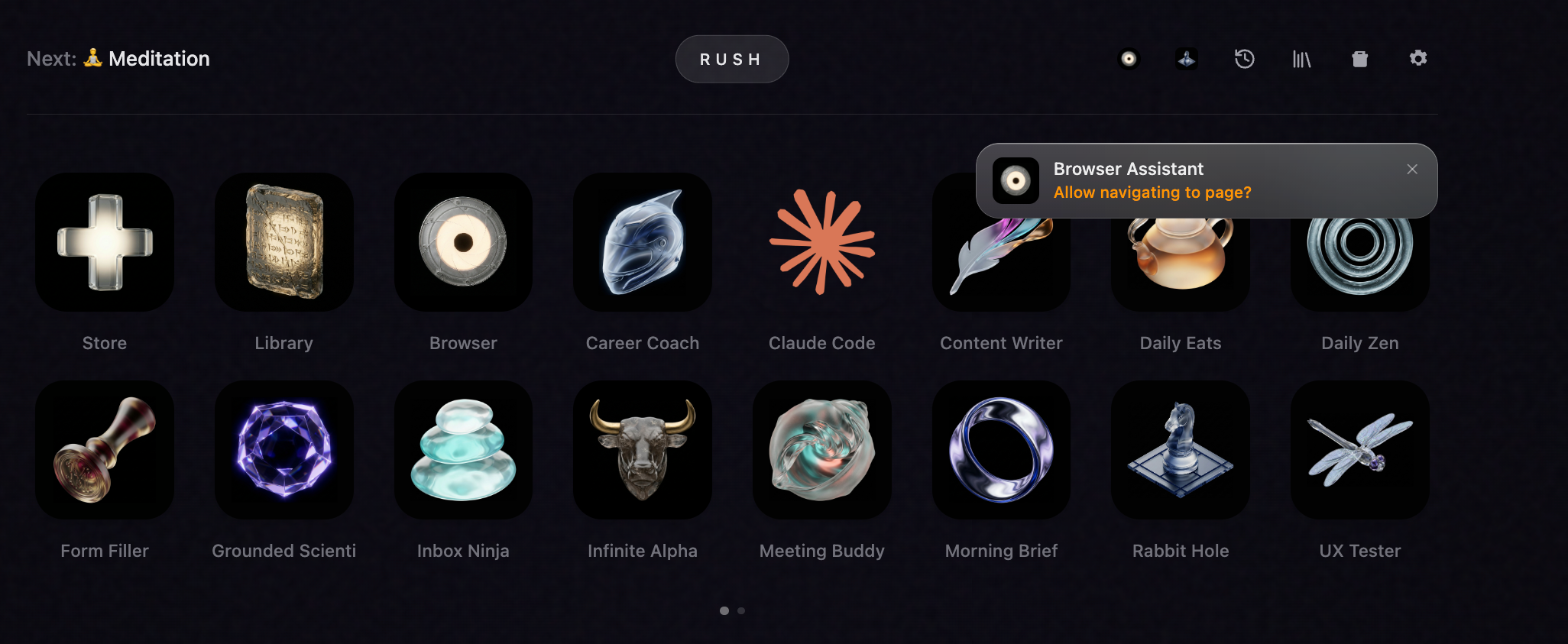
The full Rush surface. Agent store, sessions, artifacts, and local runtime in one install.
DMG · notarizedDownload the Mac appDownload
Rush produces real artifacts — reports, drafts, analyses, and sessions you can return to. The desktop app ships on macOS and Linux. The CLI runs on macOS, Linux, and Windows.
CLI binaries stay available for Linux and Windows when you need the shell first.
The full Rush surface. Agent store, sessions, artifacts, and local runtime in one install.
DMG · notarizedDownload the Mac appSame full surface as the Mac client — agent store, sessions, artifacts. AppImage runs on Ubuntu 24.04+ and any other glibc 2.35+ distro.
AppImage · arm64Download the Linux AppImageFor terminal-native installs, automation, and remote environments. Native apt packages below.
x64 · arm64 · deb / rpmcurl -fsSL https://cdn.getrush.ai/install.sh | bashmacOS and Linux through the phnx-labs tap. Upgrades arrive with brew upgrade.
macOS · Linuxbrew install phnx-labs/tap/rushFor PowerShell setups and Windows-first workflows.
x64 · arm64irm https://cdn.getrush.ai/install.ps1 | iexInstall once, and apt upgrade keeps rush current like any other system package. The package is rush-cli— Ubuntu's archive already uses the name rush for an unrelated tool.
curl -fsSL https://cdn.getrush.ai/apt/getrush-archive-keyring.gpg | sudo tee /usr/share/keyrings/getrush-archive-keyring.gpg >/dev/null
sudo tee /etc/apt/sources.list.d/getrush.sources <<'EOF'
Types: deb
URIs: https://cdn.getrush.ai/apt
Suites: stable
Components: main
Architectures: amd64 arm64
Signed-By: /usr/share/keyrings/getrush-archive-keyring.gpg
EOF
sudo apt update && sudo apt install rush-cli
Direct downloads: Linux x64 · Linux arm64 · Windows arm64
Rush is not another chat tab. You install the app, add the agents you want, and review work as artifacts instead of scrolling a transcript.
The app runs on your machine. Agents still use frontier models in the cloud, so an internet connection is part of the contract.
Start with the DMG once. From there, the desktop app can keep you on the latest release channel without another manual install loop.
July 9, 2026
A stability release: the built-in Terminal works again on Apple Silicon, and the auto-updater installs cleanly instead of silently stalling.
Read updateJuly 8, 2026
Watch cloud agents work in real time, keep their artifacts, and dispatch one with ⌘+Enter. Plus scheduling you can trust and memory you control.
Read updateJune 24, 2026
Text Rush like a contact: it remembers you across chats, answers in your timezone, reads images and transcribes voice notes you send, and replies in clean plain text.
Read update